Most users assume AI prompts live and die by their internet connection. Pull up ChatGPT, send a prompt, wait for the cloud to respond. That’s the mental model almost everyone carries. But Apple Intelligence frameworks have quietly changed the rules, enabling on-device prompt processing that runs entirely offline, privately, and fast. For prompt engineers, content creators, and marketers who rely on AI daily, this shift is significant. This guide breaks down exactly how iOS prompt integration works, which frameworks power it, and how you can build smarter, faster workflows right on your iPhone.
Table of Contents
- What is iOS prompt integration?
- Core mechanics: Apple Intelligence frameworks
- Workflow examples for creators and marketers
- Performance, privacy, and offline AI speed
- Common pitfalls and expert tips for seamless integration
- Simplify your workflow with AI prompt management for iOS
- Frequently asked questions
Key Takeaways
| Point | Details |
|---|---|
| Offline prompt workflows | iOS prompt integration enables AI workflows to run entirely offline, directly on your device. |
| Apple Intelligence frameworks | Foundation Models and Shortcuts support fast, private prompt management for creators and marketers. |
| Performance and privacy | On-device processing delivers swift results and ensures sensitive prompt data stays secure. |
| Practical applications | Content creators can automate summaries, generate posts, and manage tasks effortlessly using prompt integration. |
What is iOS prompt integration?
iOS prompt integration is the practice of embedding AI prompt workflows directly into iPhone apps using Apple’s on-device intelligence stack. Rather than routing every request through a remote server, your prompts run locally, processed by the same chip sitting in your pocket. The AI prompt integration history shows how far mobile AI has come, from basic autocomplete to full on-device language model inference.
According to Apple Intelligence for Developers, iOS prompt integration refers to developer methodologies for embedding AI prompts into iOS apps using frameworks like Foundation Models, App Intents, and Shortcuts for offline, on-device AI processing. Here is what each framework brings to the table:
- Foundation Models: Gives Swift developers direct access to on-device large language models (LLMs) for tasks like summarization, text extraction, and guided generation.
- App Intents: Lets apps expose their functionality to Apple Intelligence, so prompts can trigger real app actions, not just generate text.
- Shortcuts: Connects prompt workflows to automation sequences, letting you chain AI outputs with app behaviors in a single tap.
- Writing Tools: A systemwide feature that surfaces prompt-powered editing and rewriting anywhere text appears on iOS.
Who benefits most? Prompt engineers building custom iOS tools, content creators who need fast offline drafting, and marketers running campaigns where speed and data privacy matter. The offline angle is not just a convenience. It is a fundamental shift in how AI fits into a mobile workflow.
Core mechanics: Apple Intelligence frameworks
Understanding the frameworks individually helps you use them strategically. Foundation Models is the backbone. It allows Swift access to on-device LLMs for tasks like text extraction, summarization, guided generation, and tool calling with as few as three lines of code. That is a remarkably low barrier for developers who want to add AI to an existing app without rebuilding from scratch.
App Intents bridges the gap between AI outputs and real app actions. When a prompt generates a summary, App Intents can push that summary directly into your notes app, calendar, or task manager without any manual copy-paste. Shortcuts ties everything together at the automation layer, letting non-developers build powerful prompt pipelines through a visual interface.
Here is a quick comparison of what each framework offers for developer workflow integration:
| Framework | Primary function | Best for | Offline capable |
|---|---|---|---|
| Foundation Models | On-device LLM inference | Developers, engineers | Yes |
| App Intents | App action triggers | Workflow automation | Yes |
| Shortcuts | Visual prompt pipelines | Creators, marketers | Yes |
| Writing Tools | Systemwide text editing | Writers, content teams | Yes |
Pro Tip: Build a Shortcut that takes your clipboard content, runs it through a Foundation Models summarization prompt, and sends the output directly to your notes app. You get a one-tap summarizer that works on a plane, in a subway, or anywhere without Wi-Fi.
The real power comes from combining these frameworks. A single Shortcut can accept text input, pass it to Foundation Models for processing, use App Intents to route the result, and deliver a finished output to the right app, all without touching the internet.

Workflow examples for creators and marketers
Frameworks are only useful when they solve real problems. Here is how creators and marketers are putting iOS prompt integration to work right now.
The Shortcuts ‘Use Model’ action lets you tap Apple Intelligence models offline, streamlining workflows for content creators by combining prompts with app actions. That means you can build a workflow that takes a rough voice memo transcript and turns it into a polished social media caption, entirely on your device.
Common use cases and their benefits:
| Use case | Action | Benefit |
|---|---|---|
| Meeting notes summary | Summarize long text via Foundation Models | Saves 20+ minutes per meeting |
| Social caption generation | Run creative prompt via Shortcuts | Consistent brand voice offline |
| Email draft rewriting | Writing Tools systemwide edit | Faster client communication |
| Content brief creation | Guided generation with custom prompt | Structured output every time |
Here is a numbered workflow for generating offline content summaries:
- Open Shortcuts and create a new automation.
- Add a “Get text from input” action to capture your source material.
- Add a “Use Model” action and write your summarization prompt.
- Route the output to Notes, Mail, or your preferred app via App Intents.
- Save and run the Shortcut from your home screen or widget.
As Apple noted when introducing Apple Intelligence, content creators and marketers can leverage Writing Tools and Shortcuts for streamlined workflows like summarizing notes or generating content offline via systemwide integration. The key word is systemwide. These tools are not locked inside one app. They follow you everywhere on iOS.
For using PromptL for offline prompts, this systemwide access means your saved prompt library is always one tap away, no matter which app you are working in.
Performance, privacy, and offline AI speed
Speed and privacy are the two questions every creator and marketer asks before committing to a new tool. On both counts, on-device prompt integration delivers.
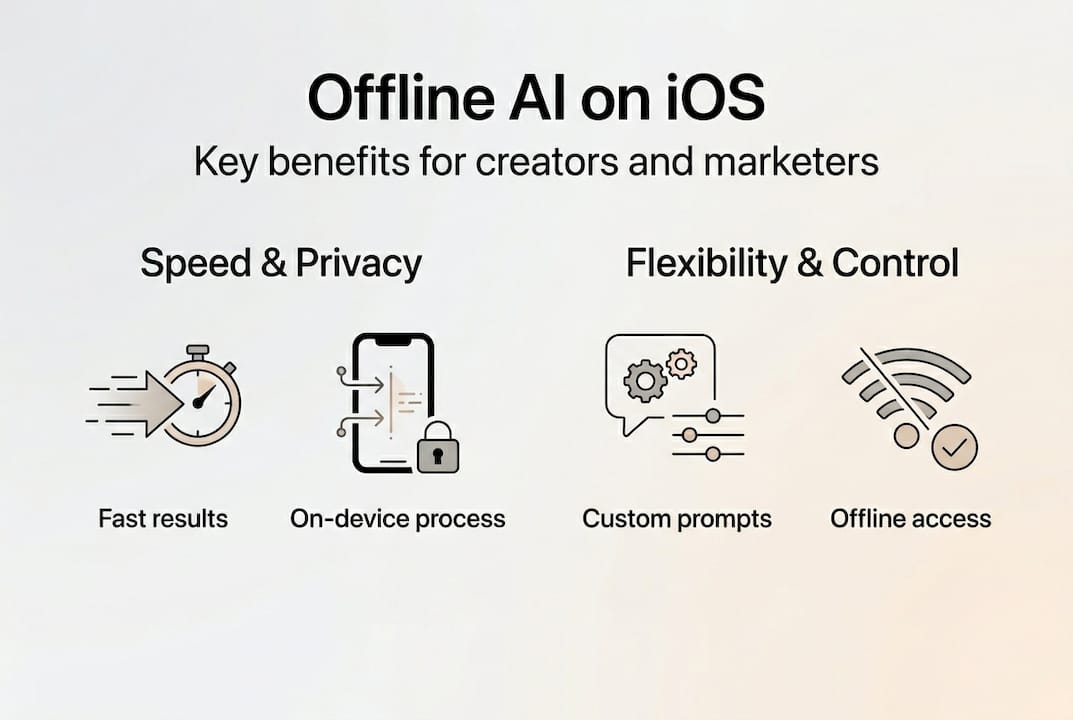
For speed, third-party offline LLM apps report processing speeds of 15 to 30 tokens per second on A17 Pro chips. That translates to roughly a full paragraph of generated text every two to three seconds. For most content tasks, that is fast enough to feel instant.
For privacy and app integration, the advantage is structural. Your prompt data never leaves your device. There is no API call to a remote server, no data logged by a third party, and no risk of sensitive client information appearing in a training dataset. Here is a summary of the key advantages:
- No data transmission: Prompts and outputs stay on your iPhone.
- No subscription latency: On-device inference does not depend on server load.
- Consistent availability: Works in airplane mode, low-signal areas, or secure environments.
- Reduced cost: No per-token API fees for on-device processing.
- Faster iteration: Immediate response without round-trip network delays.
For marketers handling client data or prompt engineers building proprietary workflows, the privacy argument alone is worth the switch. The speed benefit is a bonus.
Common pitfalls and expert tips for seamless integration
Even well-designed systems break when set up incorrectly. iOS prompt integration has a few specific failure points worth knowing before you build.
The most common issue is misconfigured Shortcuts. When the “Use Model” action is not connected to the right input source, the prompt runs on empty or irrelevant text, producing useless output. Always test your Shortcut with a sample input before deploying it in a real workflow.
Here are the steps to troubleshoot frequent integration issues:
- Verify that Apple Intelligence is enabled in Settings under Apple Intelligence and Siri.
- Check that the app you are integrating has the correct App Intents permissions enabled.
- Test your Foundation Models prompt with a short, controlled input before scaling up.
- Confirm your Shortcut’s input and output types match the receiving app’s expected format.
- Update to the latest iOS version, since framework capabilities expand with each release.
For prompt management tips, keeping your prompts organized and version-controlled prevents the second most common pitfall: running outdated or broken prompts without realizing it. A prompt that worked three months ago may produce inconsistent results after an iOS update changes model behavior.
Pro Tip: Always check app permissions and model compatibility before building a complex Shortcut chain. A single misconfigured permission can silently break the entire workflow without throwing an obvious error.
Writing Tools is often underused. Most creators activate it for basic rewrites, but it supports custom prompt injection for tone adjustment, format conversion, and audience targeting. Treat it as a lightweight prompt interface that is always available systemwide.
Simplify your workflow with AI prompt management for iOS
Understanding iOS prompt integration is one thing. Having a dedicated system to manage, organize, and deploy your prompts is what separates occasional AI users from power users. That is exactly where PromptL fits in.
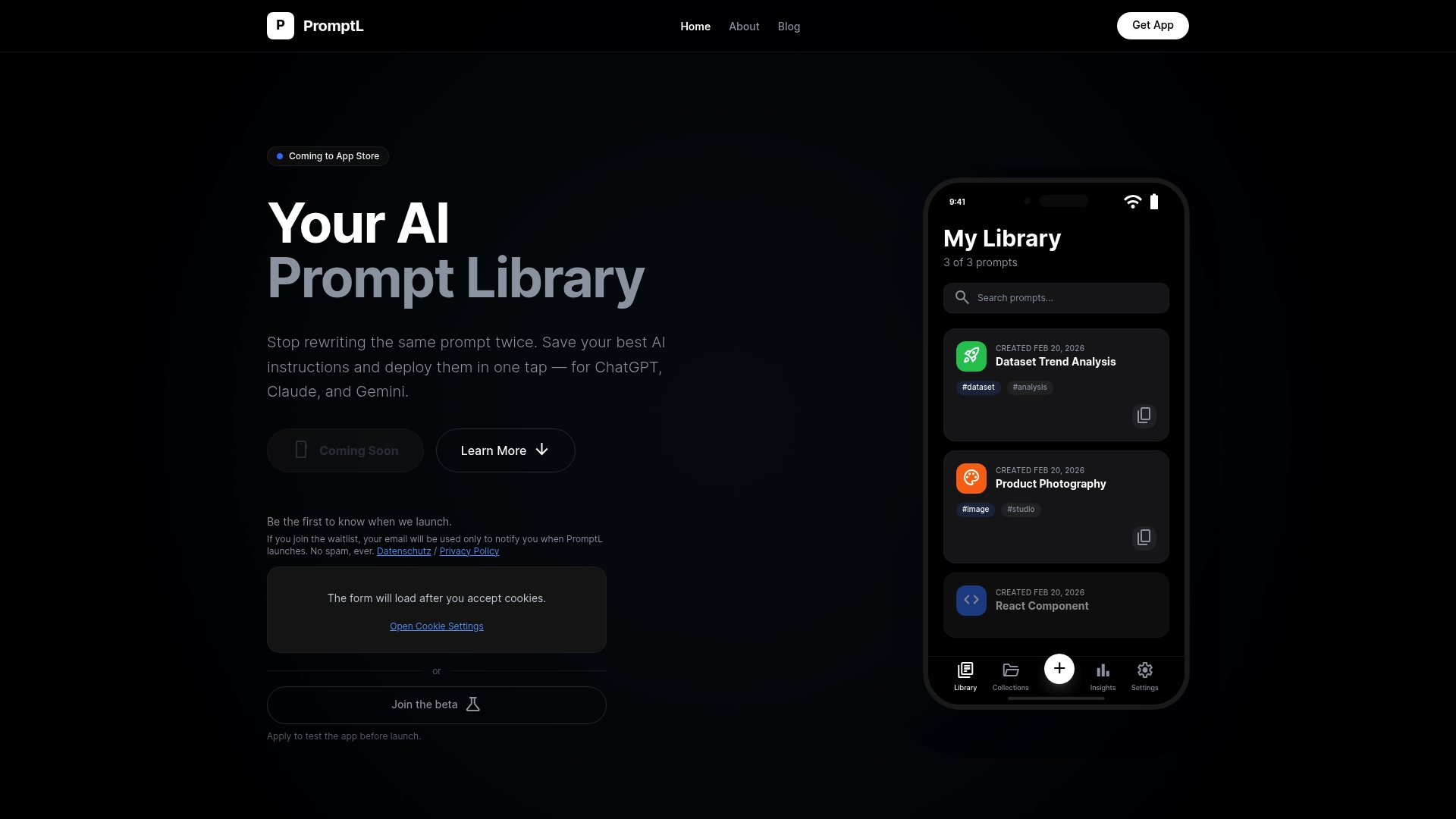
PromptL is built specifically for iPhone users who rely on AI prompts across tools like ChatGPT, Claude, and Gemini. It gives you a structured library to save and organize every prompt you build, access them directly from your iOS keyboard, and sync across devices when you need it. Whether you are a marketer running offline content workflows or a prompt engineer managing dozens of custom instructions, about PromptL shows how the platform is designed around your exact use case. If you ever run into questions, PromptL support is there to help you get the most from your setup.
Frequently asked questions
How does iOS prompt integration protect my privacy?
All prompt data is processed on your device using Apple Intelligence frameworks, meaning nothing is transmitted to external servers. Your inputs and outputs stay entirely local.
Can I use prompt integration entirely offline on iPhone?
Yes. Apple’s Foundation Models and Shortcuts support fully offline prompt workflows by running on-device LLMs through the Neural Engine, with no internet connection required.
What is the typical speed for offline prompt integration?
Offline LLM apps on iPhone report 15 to 30 tokens per second on A17 Pro chips, though actual speeds vary depending on model size and task complexity.
Which apps support iOS prompt integration for creators?
Apps like PromptL and Apple’s systemwide Writing Tools support integrated prompts, letting creators run content tasks offline without switching between multiple platforms.
Leave a Reply